> For the complete documentation index, see [llms.txt](https://xoul-ai-official-documentation.gitbook.io/xoul.ai-official-guide/llms.txt). Markdown versions of documentation pages are available by appending `.md` to page URLs; this page is available as [Markdown](https://xoul-ai-official-documentation.gitbook.io/xoul.ai-official-guide/navigation-and-information/navigation-and-interfaces/content-creation.md).
# Content Creation
A breakdown of the creation page, where you can create many different types of content.
{% hint style="info" %}
Before creating content, be sure to check out our Content Policy explained in detail.
↳ [Content Policies in Detail](/xoul.ai-official-guide/navigation-and-information/moderation-overview/content-policies-in-detail.md)
↳ [Moderation Overview](/xoul.ai-official-guide/navigation-and-information/moderation-overview.md)
{% endhint %}
***
{% columns %}
{% column valign="middle" %}
{% endcolumn %}
{% column %}
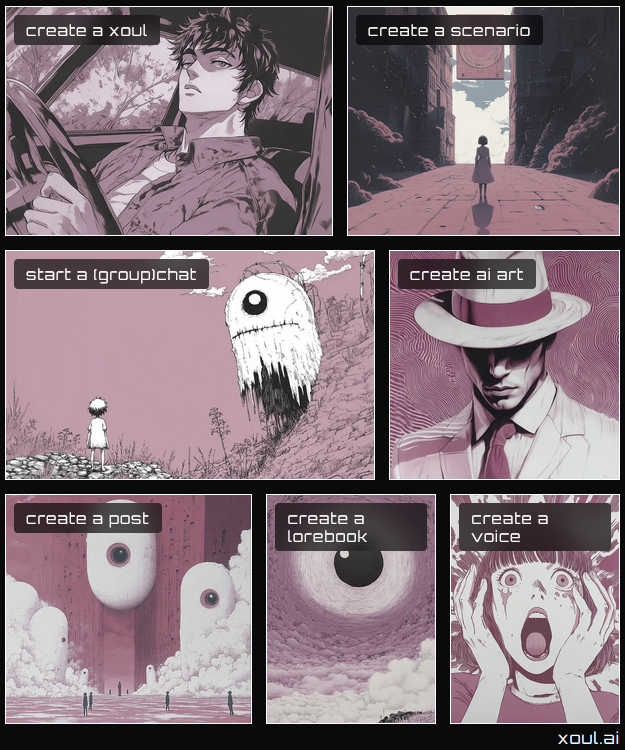
A **Xoul** is what Xoul.AI has branded their **character cards.**
These are often called "bots", but this term can be misleading. The AI model uses the general **sentiment of information conveyed** to influence how it will behave in a chat, similar to an actor being given a character to play.
→ [Xouls](/xoul.ai-official-guide/navigation-and-information/navigation-and-interfaces/content-creation/xouls.md)
↳ [Xoul Creation Interface](/xoul.ai-official-guide/navigation-and-information/navigation-and-interfaces/content-creation/xouls/xoul-creation-interface.md)
{% endcolumn %}
{% endcolumns %}
***
{% columns %}
{% column valign="middle" %}
{% endcolumn %}
{% column %}
A **Scenario** is a card that acts like the **blurb on the back of a novel**, defining the opening premise of the story.
Scenarios can contain Xouls built into them or come as standalone premises that a user can combine with any Xouls they want.
Scenarios can also utilize Meters, progress trackers that can act as an influential force on how the story develops.
→ [Scenarios](/xoul.ai-official-guide/navigation-and-information/navigation-and-interfaces/content-creation/scenarios.md)
↳ [Scenario Creation Interface](/xoul.ai-official-guide/navigation-and-information/navigation-and-interfaces/content-creation/scenarios/scenario-creation-interface.md)
{% endcolumn %}
{% endcolumns %}
***
{% columns %}
{% column valign="middle" %}
{% endcolumn %}
{% column valign="middle" %}
Tap the select icon on the Navigation Panel to quick jump to this option.
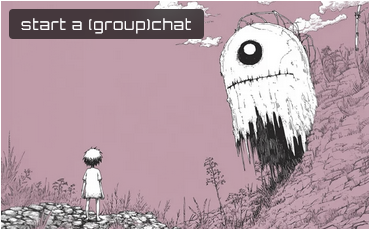
This is a way to create a single-Xoul, Group Chat, or Scenario chat, allowing you to browse Xouls & Scenarios, create a Scenario on the fly, or mix together a Group Chat.
→ [(Group) Chats & Multi-User Chats](/xoul.ai-official-guide/navigation-and-information/navigation-and-interfaces/content-creation/group-chats-and-multi-user-chats.md)
→ [Chat Interface](/xoul.ai-official-guide/navigation-and-information/navigation-and-interfaces/chat-interface.md)
{% endcolumn %}
{% endcolumns %}
***
{% columns %}
{% column valign="middle" %}
{% endcolumn %}
{% column valign="middle" %}
This will take you to a page where you can select between creating images, videos, talking avatars, and remixing characters.
→ [AI Images, Video & More](/xoul.ai-official-guide/navigation-and-information/navigation-and-interfaces/content-creation/ai-images-video-and-more.md)
{% endcolumn %}
{% endcolumns %}
***
{% columns %}
{% column %}
{% endcolumn %}
{% column valign="middle" %}
A post is a piece of content which mixes together multiple pieces of content into a packaged version. It can contain images, videos, talking avatars and can be tagged to a specific Xoul. If you create a character, this is how to can package additional content together as part of the content related to that Xoul.
→ [Posts](/xoul.ai-official-guide/navigation-and-information/navigation-and-interfaces/content-creation/posts.md)
{% endcolumn %}
{% endcolumns %}
***
{% columns %}
{% column %}
{% endcolumn %}
{% column valign="middle" %}
A lorebook is a collection of entry cards which can contain any sort of information you want to include. An entire lorebook can act as a collection of information on a single topic, a collection of cards that define supplementary characters, summaries of event from a chat to act as a memory book, or anything else.
→ [Lorebooks](/xoul.ai-official-guide/navigation-and-information/navigation-and-interfaces/content-creation/lorebooks.md)
{% endcolumn %}
{% endcolumns %}
***
{% columns %}
{% column width="50%" %}
{% endcolumn %}
{% column width="50%" valign="middle" %}
Voices on Xoul are used for audio narration and the voice call feature, and this creation tool allows you to either clone or generate a new voice.
→ [Voices](/xoul.ai-official-guide/navigation-and-information/navigation-and-interfaces/content-creation/voices.md)
{% endcolumn %}
{% endcolumns %}
 select icon on the Navigation Panel to quick jump to this option.
This is a way to create a single-Xoul, Group Chat, or Scenario chat, allowing you to browse Xouls & Scenarios, create a Scenario on the fly, or mix together a Group Chat.
→ [(Group) Chats & Multi-User Chats](/xoul.ai-official-guide/navigation-and-information/navigation-and-interfaces/content-creation/group-chats-and-multi-user-chats.md)
→ [Chat Interface](/xoul.ai-official-guide/navigation-and-information/navigation-and-interfaces/chat-interface.md)
{% endcolumn %}
{% endcolumns %}
***
{% columns %}
{% column valign="middle" %}
select icon on the Navigation Panel to quick jump to this option.
This is a way to create a single-Xoul, Group Chat, or Scenario chat, allowing you to browse Xouls & Scenarios, create a Scenario on the fly, or mix together a Group Chat.
→ [(Group) Chats & Multi-User Chats](/xoul.ai-official-guide/navigation-and-information/navigation-and-interfaces/content-creation/group-chats-and-multi-user-chats.md)
→ [Chat Interface](/xoul.ai-official-guide/navigation-and-information/navigation-and-interfaces/chat-interface.md)
{% endcolumn %}
{% endcolumns %}
***
{% columns %}
{% column valign="middle" %}